

Beginner workflow for interactive 3D websites Spline is a web-based, collaborative design platform for building interactive real-time 3D experiences. It can help visual designers create animated hero scenes, product demonstrations, 3D illustrations, branded objects, and lightweight interactive experiments without beginning with a traditional game-engine workflow. Start with one purpose Use 3D to explain, demonstrate, guide, …


Secure mobile access without unnecessary obstacles Mobile authentication should feel fast, understandable, and proportionate to the action being protected. Passkeys, platform credential managers, federated sign-in, biometrics, and risk-aware verification can reduce unnecessary effort—but “frictionless” should never mean invisible consent, weak recovery, or security decisions that users cannot understand. Prefer phishing-resistant methods Use passkeys and other …

Real-time adaptation without surveillance or manipulation AI personalization can help people find relevant content, complete unfamiliar tasks, receive contextual support, and avoid repetitive work. It can also create unstable interfaces, invasive profiling, biased recommendations, and manipulative offers when teams optimize only for clicks. The practical goal is not to make every screen unique—it is to …
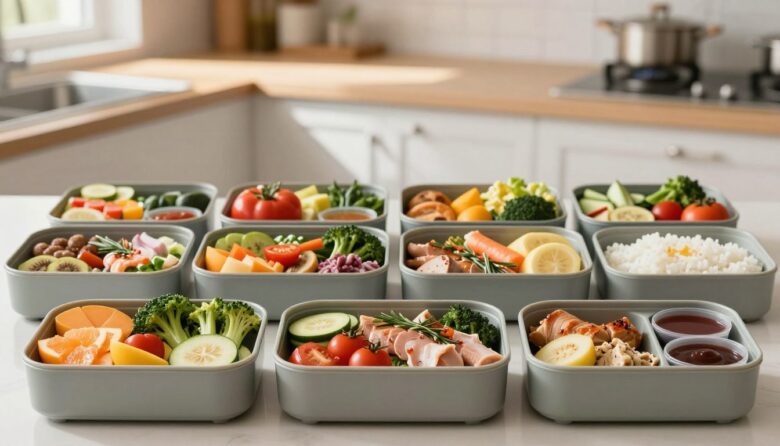
A practical framework for modular interface layouts Bento grids can make complex pages easier to scan by separating related information into recognizable modules. They can also increase confusion when designers create too many decorative cards, change the reading order, or use size and color without a clear meaning. The layout only helps when its visual …
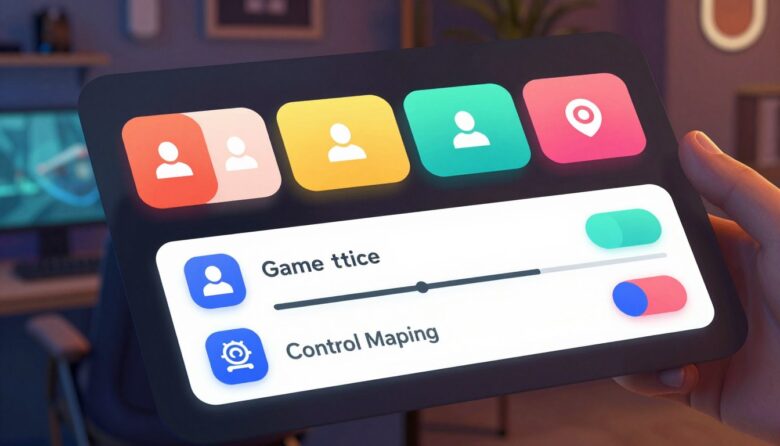
Practical accessibility for small game teams An accessible game menu helps players perceive available options, understand what each control does, navigate with supported input methods, and recover from mistakes. Indie teams do not need a huge accessibility department to improve this experience. They need a dependable menu architecture, readable defaults, visible focus, accurate labels, flexible …