

Reviewed for 2026 workflows Figma already includes strong component, variable, prototyping, and collaboration features. The best plugins do not replace those tools—they remove repetitive work, reveal inconsistencies, and help a game UI team move from early flow diagrams to cleaner developer handoff. 6 Real plugins with public documentation or listings 5 Game UI workflow stages …
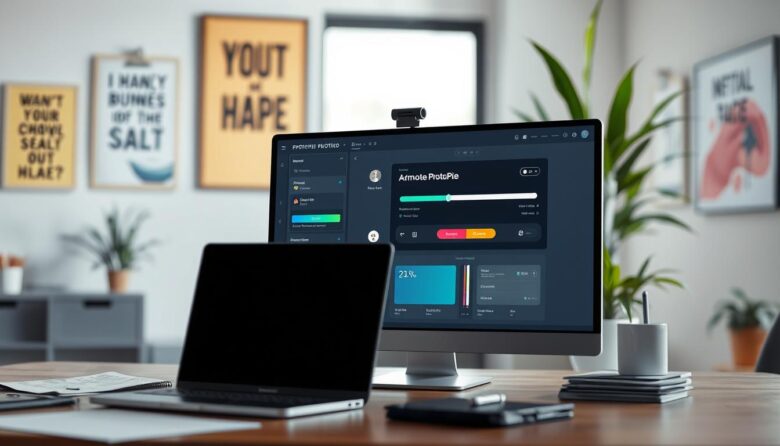
Advanced interaction prototyping workflow Complex software interfaces are difficult to evaluate with static screens because their quality depends on state, logic, input, timing, and feedback. ProtoPie helps designers turn visual layouts into interactive simulations using triggers, responses, variables, formulas, conditions, components, and device testing—without requiring production code. Model behavior Define what the interface remembers, changes, …

A production-ready 3D icon workflow High-gloss 3D icons combine a clear silhouette with curved geometry, controlled reflections, consistent lighting, and careful export decisions. The strongest icons do not rely on shine alone: they remain recognizable at their intended size, fit the interface hierarchy, and preserve their meaning on light, dark, and customized backgrounds. Design the …

Dark interface design without costly shortcuts A dependable dark mode is not a reversed light palette. It is a complete appearance system with its own surfaces, text hierarchy, component states, imagery, charts, focus indicators, and implementation rules. The goal is to preserve clarity and user control under different lighting conditions—not simply to make the interface …

Beginner workflow for interactive 3D websites Spline is a web-based, collaborative design platform for building interactive real-time 3D experiences. It can help visual designers create animated hero scenes, product demonstrations, 3D illustrations, branded objects, and lightweight interactive experiments without beginning with a traditional game-engine workflow. Start with one purpose Use 3D to explain, demonstrate, guide, …