

Purposeful motion, not decoration Kinetic typography can make an app easier to follow by using movement to emphasize a message, explain a state change, or guide attention toward the next action. Its value comes from timing and meaning—not from making every word bounce, spin, or slide. Make change visible Motion can show that text appeared …

Evidence-aware color strategy for digital interfaces Color can support attention, grouping, state recognition, brand identity, and emotional tone. It cannot reliably force every user to feel or act in the same way. Effective interface palettes combine research, learned conventions, accessibility, cultural context, semantic consistency, and testing with the people who will use the product. Meaning …
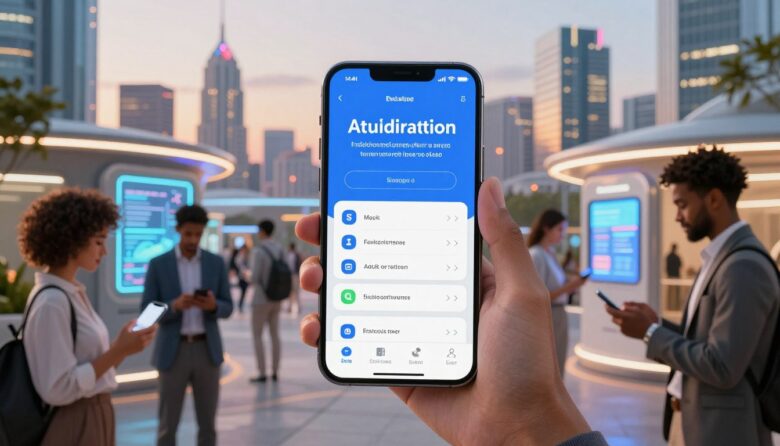
Secure mobile access without unnecessary obstacles Mobile authentication should feel fast, understandable, and proportionate to the action being protected. Passkeys, platform credential managers, federated sign-in, biometrics, and risk-aware verification can reduce unnecessary effort—but “frictionless” should never mean invisible consent, weak recovery, or security decisions that users cannot understand. Prefer phishing-resistant methods Use passkeys and other …

Real-time adaptation without surveillance or manipulation AI personalization can help people find relevant content, complete unfamiliar tasks, receive contextual support, and avoid repetitive work. It can also create unstable interfaces, invasive profiling, biased recommendations, and manipulative offers when teams optimize only for clicks. The practical goal is not to make every screen unique—it is to …

A practical framework for modular interface layouts Bento grids can make complex pages easier to scan by separating related information into recognizable modules. They can also increase confusion when designers create too many decorative cards, change the reading order, or use size and color without a clear meaning. The layout only helps when its visual …