

VR interface design guide Diegetic interfaces can make virtual worlds feel coherent by placing information on tools, objects, characters, and environments. But placing every menu inside the fiction does not automatically improve immersion. A successful VR interface balances world-building with readability, comfort, accessibility, safety, and reliable interaction. Start with the task Choose an interface location …
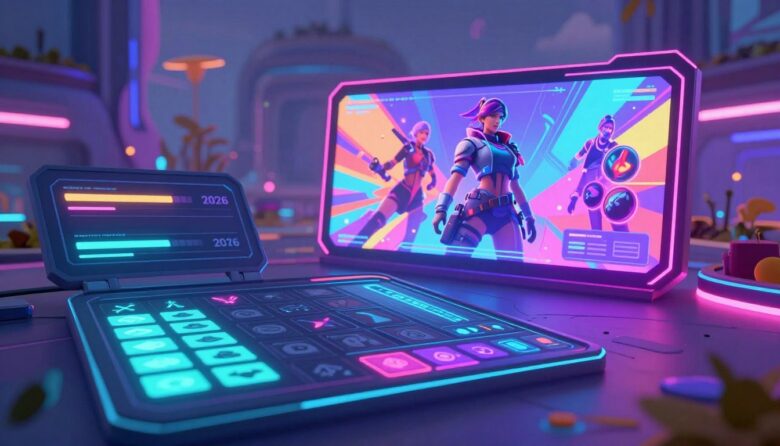
Game interface directions for 2026 The most important game UI trends in 2026 are not isolated visual effects. They are changes in how interfaces adapt to players, devices, input methods, accessibility needs, and increasingly complex game worlds. The strongest direction is toward interfaces that offer more control while showing less unnecessary information. Accessible by default …
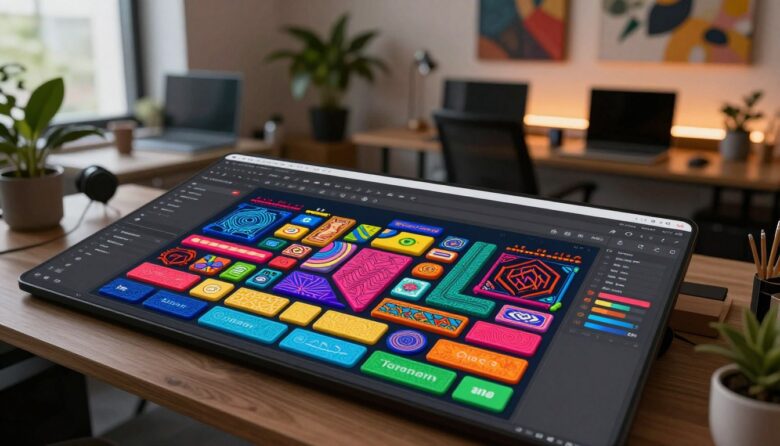
Expressive interface design with controlled complexity Tactile maximalism uses depth, texture, bold color, distinctive typography, and responsive feedback to give a digital interface a stronger sense of material and personality. The goal is not to cover every surface with effects. It is to make important controls feel recognizable, responsive, and deliberately crafted. Visual depth Layers …
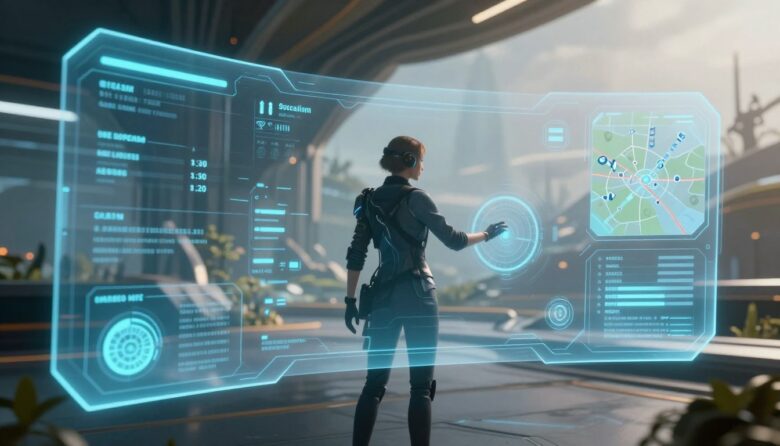
Player-centered HUD design framework An immersive HUD does not need to disappear. It needs to deliver the right information at the right moment, in a form players can recognize without abandoning the action. Strong HUD design balances clarity, timing, hierarchy, accessibility, visual identity, and player control. Prioritize decisions Show information according to what the player …
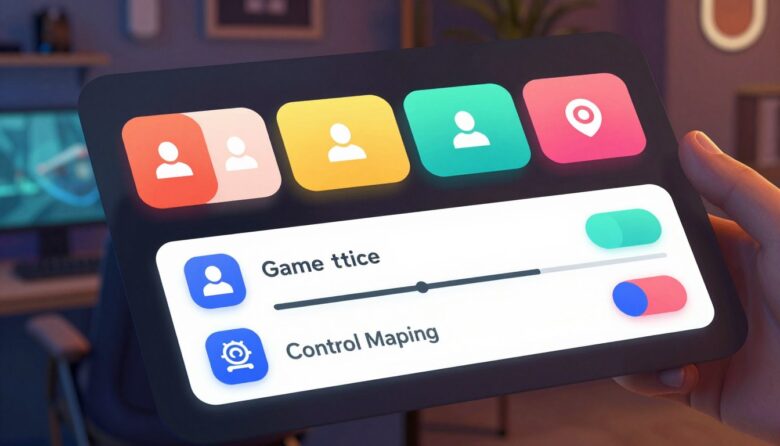
Practical accessibility for small game teams An accessible game menu helps players perceive available options, understand what each control does, navigate with supported input methods, and recover from mistakes. Indie teams do not need a huge accessibility department to improve this experience. They need a dependable menu architecture, readable defaults, visible focus, accurate labels, flexible …